
Handicap Fleet Setup
Help IndexSetup a Fleet file for Handicap Scoring. Create or Open an existing Fleet file in RacelogWeb.
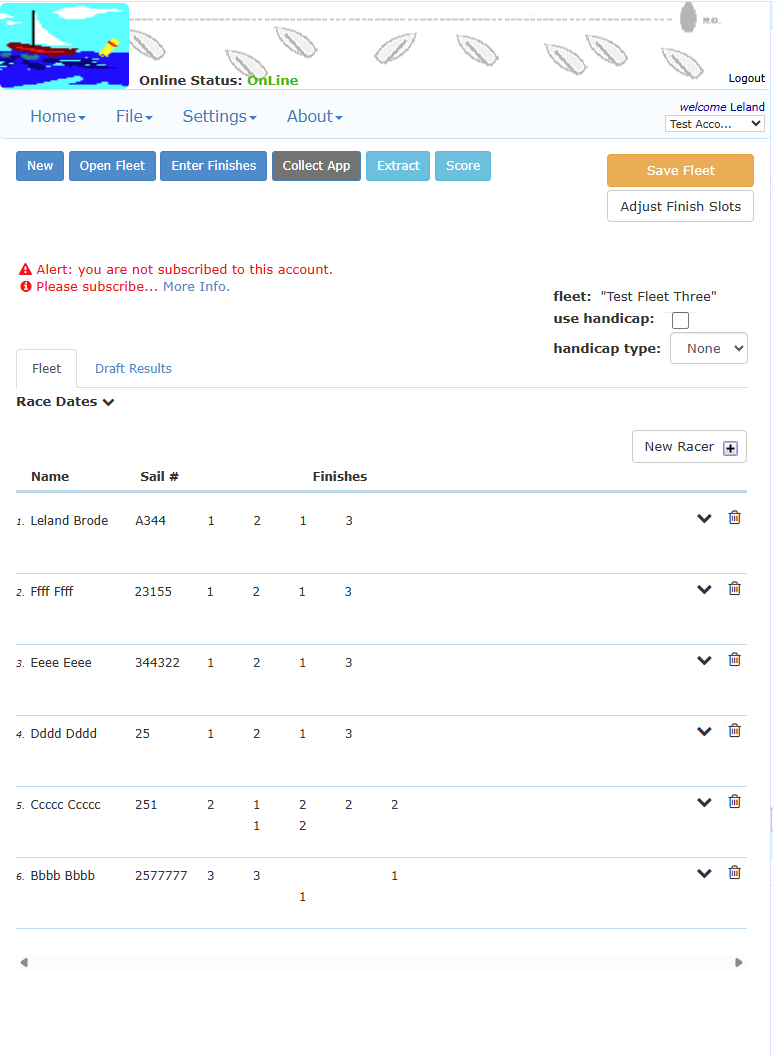
Update Handicap Setting for Fleet
On the Fleet page you can set the Fleet to use Handicap scoring or unset the Handicap settings. When set, this Fleet will now be able to capture Finish Times for scoring. Set or unset "use handicap" and "handicap type", then click Save Fleet
Sailor Settings
Enter "handicap type" and "handicap value" for each Sailor.
Open the Detail dropdown for each sailor to add the Handicap information - (click the dropdown icon -- )
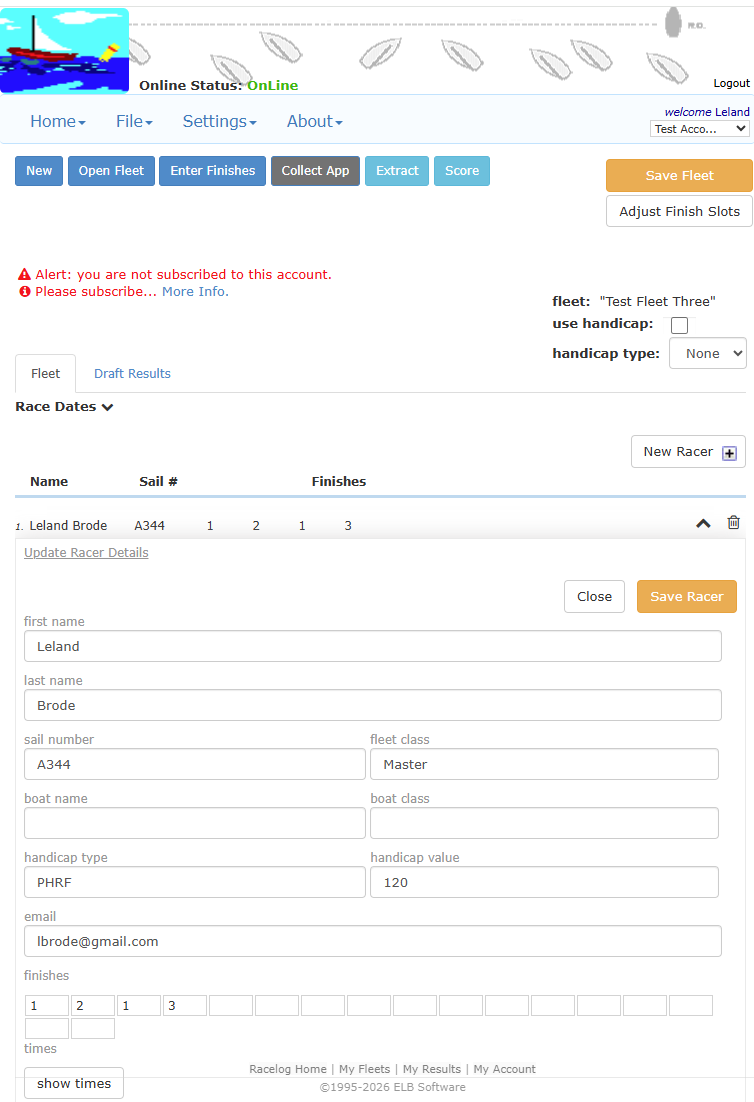
When you save the Racer the data is also saved in the "Sailors" section which is available for re-use when this sailor is added to another Fleet. This is an existing RacelogWeb feature for any type of sailor data.